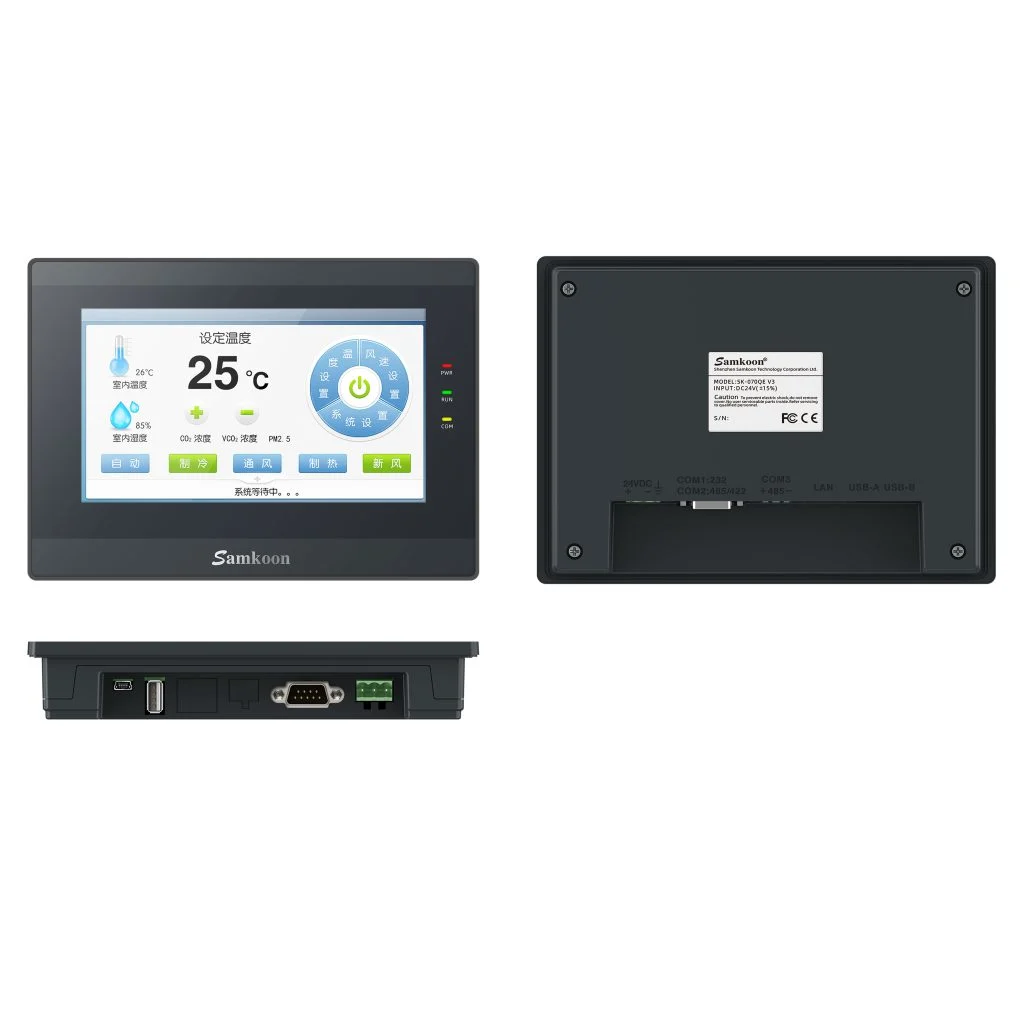
SK-070QE V3
Economical 7-inch 800×480 serial candidate; its official model page lists no Ethernet, so it is not selected for a network-dependent project.
Open technical pageCompare Delta DOP-100 with Samkoon SK HMI candidates by display, ports, DOPSoft/SKTOOL, data logging and remote access.
Samkoon SK models are technical candidates for machines using Delta DOP-100 when display, ports and basic visualisation requirements can be redefined. DOPSoft projects and scripts do not transfer directly; Ethernet, remote access, data logging and the PLC driver are redesigned for the exact model.
The exact configuration is selected after engineering review.
Economical 7-inch 800×480 serial candidate; its official model page lists no Ethernet, so it is not selected for a network-dependent project.
Open technical page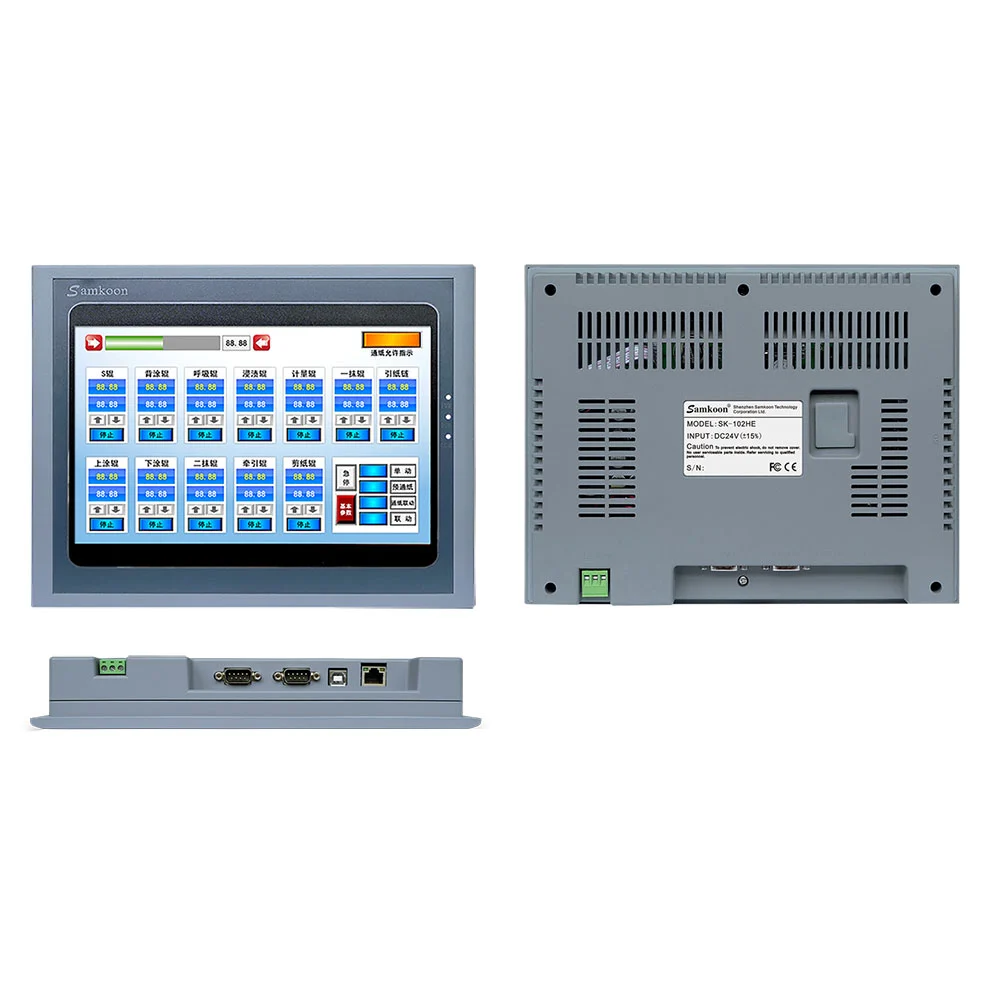
10.2-inch 1024×600 candidate in the Ethernet and dual-serial class; functions are verified with an SKTOOL prototype.
Open technical page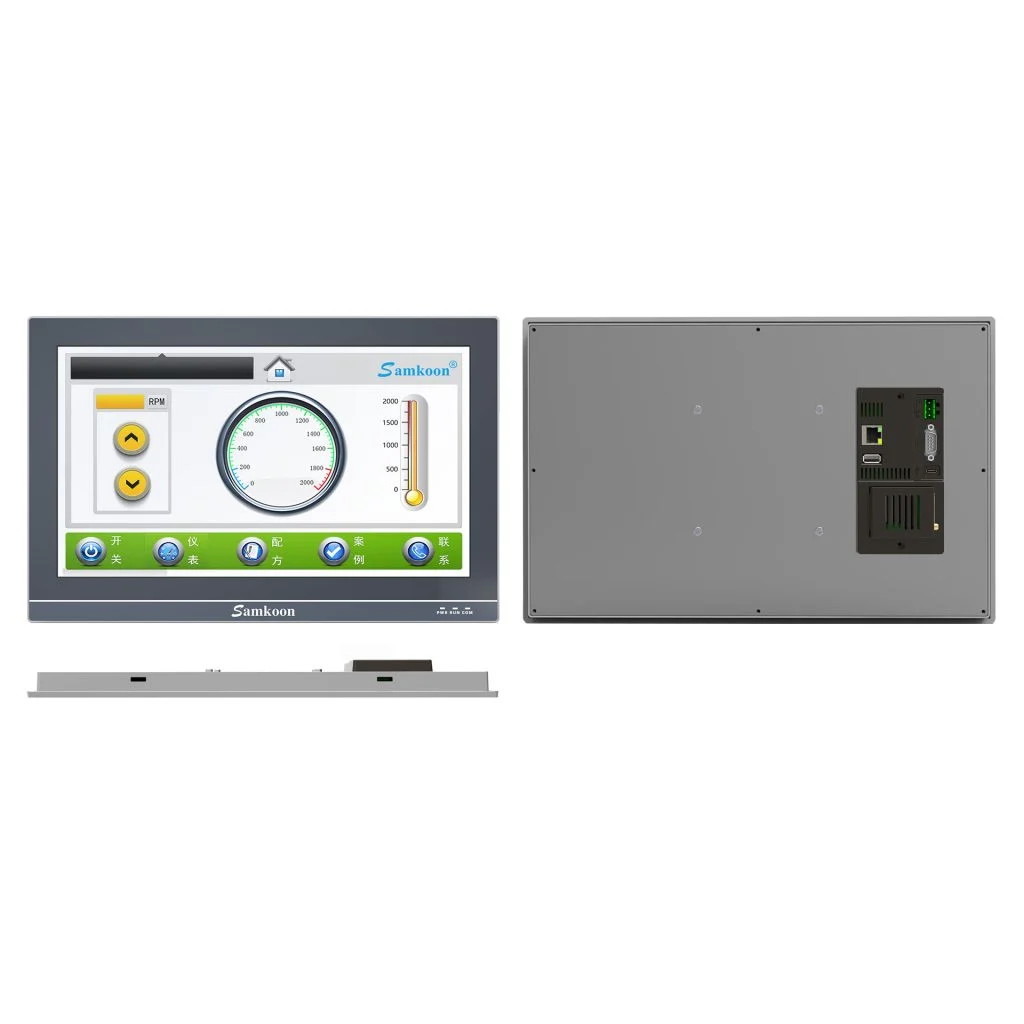
Candidate for large-screen projects requiring a 15.6-inch Full HD display, Ethernet and three serial channels.
Open technical pageThe table explains product architectures; it is not an exact order-code selection.
| Validation area | Delta DOP-100 Series | Samkoon / ProControl candidate |
|---|---|---|
| Display and model suffix | The DOP-100 family includes different display and function classes, including 7, 10.1 and 15-inch models; suffixes such as BV, WV, WS and WX do not identify the same hardware. | SK-070QE V3, SK-102HS and SK-156QS-G are in the 7, 10.2 and 15.6-inch classes respectively; resolution and physical dimensions are taken from the exact Samkoon model. |
| Ethernet and serial topology | DOP-100 connection options vary by model suffix across Ethernet, serial ports and USB functions. | SK-070QE V3 is serial-focused and has no Ethernet; SK-102HS and SK-156QS-G include Ethernet. Port count and electrical mode are verified from the drawing. |
| Project and script migration | DOP-100 projects are built with DOPSoft objects, macros and Delta device drivers. | The Samkoon project is rebuilt in SKTOOL; no DOPSoft macro or addressing structure is assumed to transfer automatically. |
| Logging and remote access | FTP, email, VNC, data logging and remote-access functions can vary with the DOP-100 model and software version. | On the Samkoon side, every function is checked against the model document and SKTOOL version; the presence of an Ethernet port alone does not establish remote-access parity. |
| Mechanical and site conditions | DOP panel cut-out, enclosure depth, front protection, supply and environmental limits are determined by the exact order code. | The Samkoon cut-out and connector positions are compared with the existing panel; temperature, IP class and 24 VDC supply tolerance are verified from the data sheet. |
| Acceptance method | The existing DOP project's performance is measured through screen refresh, alarm, recipe, trend and PLC-write scenarios. | The same scenarios are rerun on the candidate panel; communication loss, restart, data integrity and operator flow are recorded during FAT. |
No. It is not a direct substitute until exact model, electrical, protocol-role, mechanical, software and certification checks pass.
The exact existing code, diagram or I/O list, PLC/network data, supply, environment and special functions in use.
No. The macro's purpose and I/O effects are documented; required logic is redesigned using an SKTOOL-supported object or script structure and tested at boundary conditions.
Official manufacturer sources: Delta DOP-100 official product family · Delta DOP-100 official catalogue · Samkoon HMI official family · Samkoon SK-070QE V3 official page · Samkoon SK-102HS official page · Samkoon SK-156QS-G official page
This content compares manufacturer-published data under the same project requirement; it does not guarantee direct substitution or project compatibility. ProControl engineering must validate exact model, revision, protocol, electrical, safety and environmental conditions.
Share the exact existing code, I/O list, network and environment so we can identify the right solution without assumptions.