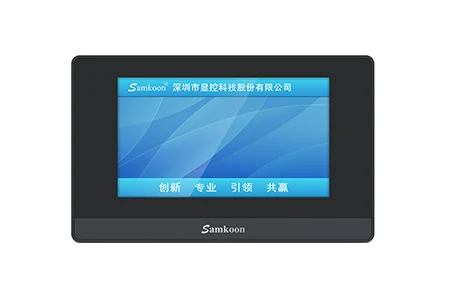
EA-043A V4
Compact 4.3-inch serial candidate; cut-out, resolution and protocol are revalidated for a KTP400-class project.
Open technical pageCompare Siemens KTP Basic Panels with Samkoon EA/SK HMI candidates by display, communications, software, panel cut-out and project migration.
Samkoon EA and SK panels can be evaluated for basic machine visualisation when display size and communication requirements can be reselected. The KTP project, TIA Portal objects and Siemens communications configuration do not transfer directly; the panel, PLC driver and acceptance tests require re-engineering.
The exact configuration is selected after engineering review.
Compact 4.3-inch serial candidate; cut-out, resolution and protocol are revalidated for a KTP400-class project.
Open technical page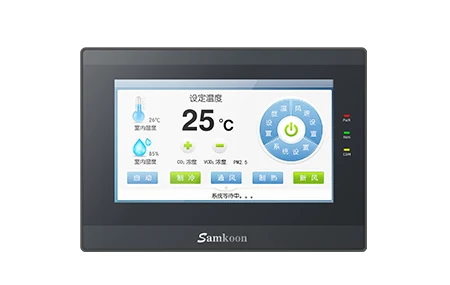
Basic 7-inch HMI candidate; Ethernet requirement and exact port layout are checked from the model document.
Open technical page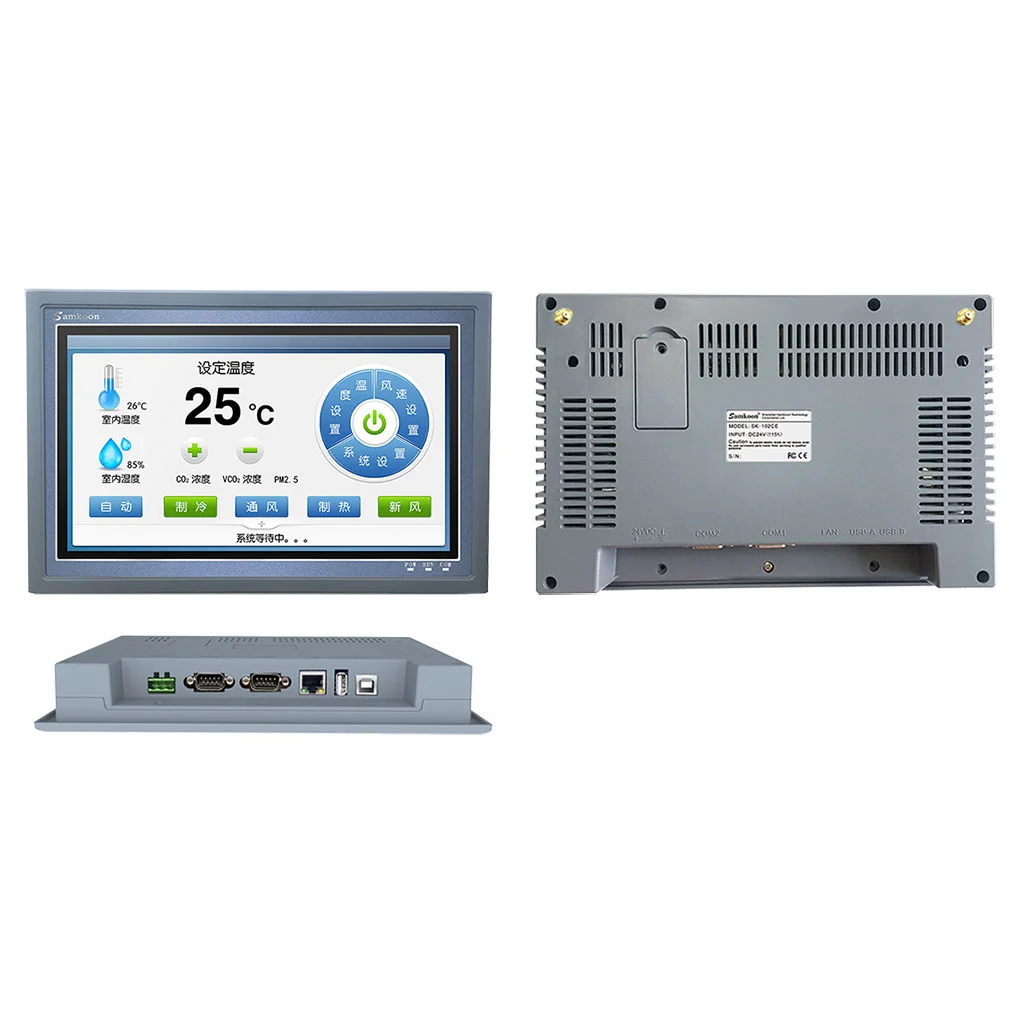
10.2-inch 1024×600 candidate with Ethernet and serial communications, assessed for the larger-screen class.
Open technical pageThe table explains product architectures; it is not an exact order-code selection.
| Validation area | Siemens SIMATIC HMI Basic Panels 2nd Generation | Samkoon / ProControl candidate |
|---|---|---|
| Display family | The Basic Panels 2nd Generation family includes display classes such as KTP400, KTP700, KTP900 and KTP1200; resolution and suffix are read from the exact order code. | EA-043A V4 is in the 4.3-inch/480×272 class, EA-070B V4 in the 7-inch/800×480 class and SK-102CS in the 10.2-inch/1024×600 class; selection uses usable screen area rather than the legacy panel name. |
| PLC and network connection | Siemens Basic Panel variants may target PROFINET or PROFIBUS; the actual interface varies with the KTP order code. | On EA and SK candidates, serial ports, Ethernet and the supported PLC driver are selected per model; the Siemens protocol role is not assumed. |
| Engineering software | KTP screens are engineered with the WinCC/TIA Portal project structure, device profile and Siemens tag/alarm objects. | The Samkoon screen is rebuilt in SKTOOL; page objects, tag addresses, alarms, recipes and user permissions are defined again. |
| HMI function scope | Alarm, trend, recipe, user-management and archive limits depend on the selected KTP model and TIA version. | Matching function names are insufficient; the SKTOOL object, logging capacity, history behaviour and export method are verified in a prototype project. |
| Mechanical and environmental fit | KTP enclosure dimensions, cut-out, mounting depth, supply and front protection are defined in the exact model document. | The Samkoon candidate's cut-out, connector orientation, 12/24 VDC supply range, temperature and front IP rating are independently verified from drawings and the data sheet. |
| Migration and acceptance | The existing WinCC project is part of the machine together with PLC symbols, screen navigation and operator habits. | Automatic project conversion is not assumed; screens, PLC write permissions, alarm/recipe behaviour, restart behaviour and cycle time are approved by FAT. |
No. It is not a direct substitute until exact model, electrical, protocol-role, mechanical, software and certification checks pass.
The exact existing code, diagram or I/O list, PLC/network data, supply, environment and special functions in use.
No. The screen and tag inventory can be used as a source, but the interface, communications and functions are rebuilt and tested in SKTOOL.
Official manufacturer sources: Siemens SIMATIC HMI Panels official page · Siemens Basic Panels 2nd Generation official manual · Samkoon HMI official family · Samkoon EA-043A V4 official page · Samkoon EA-070B V4 official page · Samkoon SK-102CS official page
This content compares manufacturer-published data under the same project requirement; it does not guarantee direct substitution or project compatibility. ProControl engineering must validate exact model, revision, protocol, electrical, safety and environmental conditions.
Share the exact existing code, I/O list, network and environment so we can identify the right solution without assumptions.