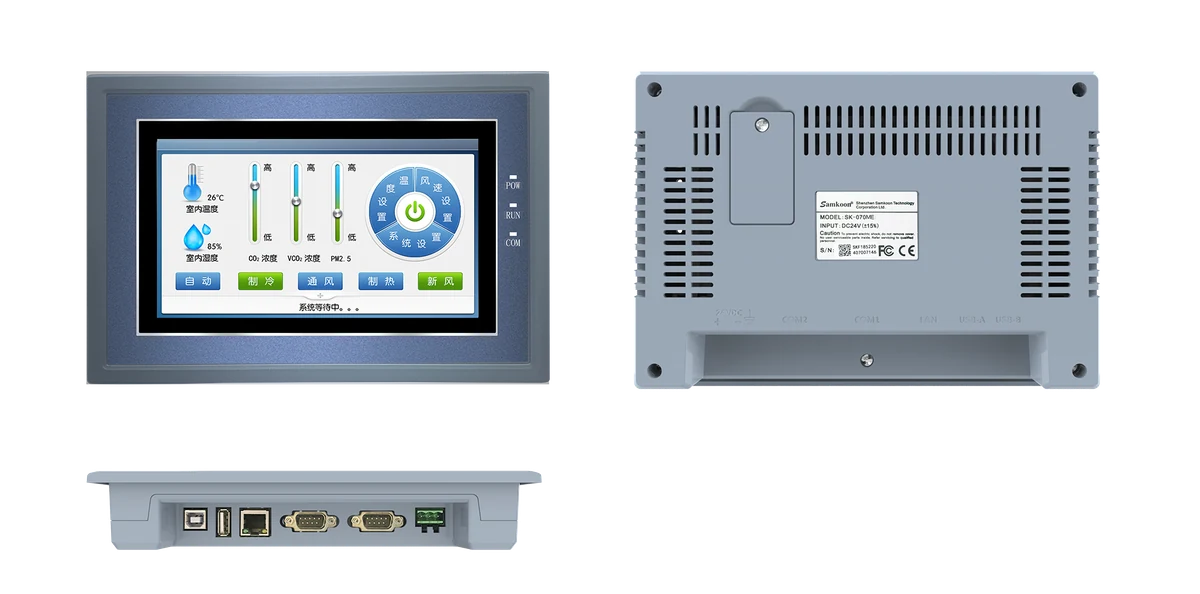
SK-070MS V3
7-inch local HMI candidate; Ethernet variant and serial-port layout are verified from the exact model.
Open technical pageCompare Weintek cMT X with Samkoon SK HMI candidates by display, network separation, OPC UA/MQTT, remote clients and project migration.
Samkoon SK can be evaluated for machine-level local visualisation and standard PLC communications. If the cMT X project uses OPC UA, MQTT, dual networks, cMT Viewer or data integration, matching the screen size is insufficient; every function must be proven on the exact Samkoon model and software.
The exact configuration is selected after engineering review.
7-inch local HMI candidate; Ethernet variant and serial-port layout are verified from the exact model.
Open technical page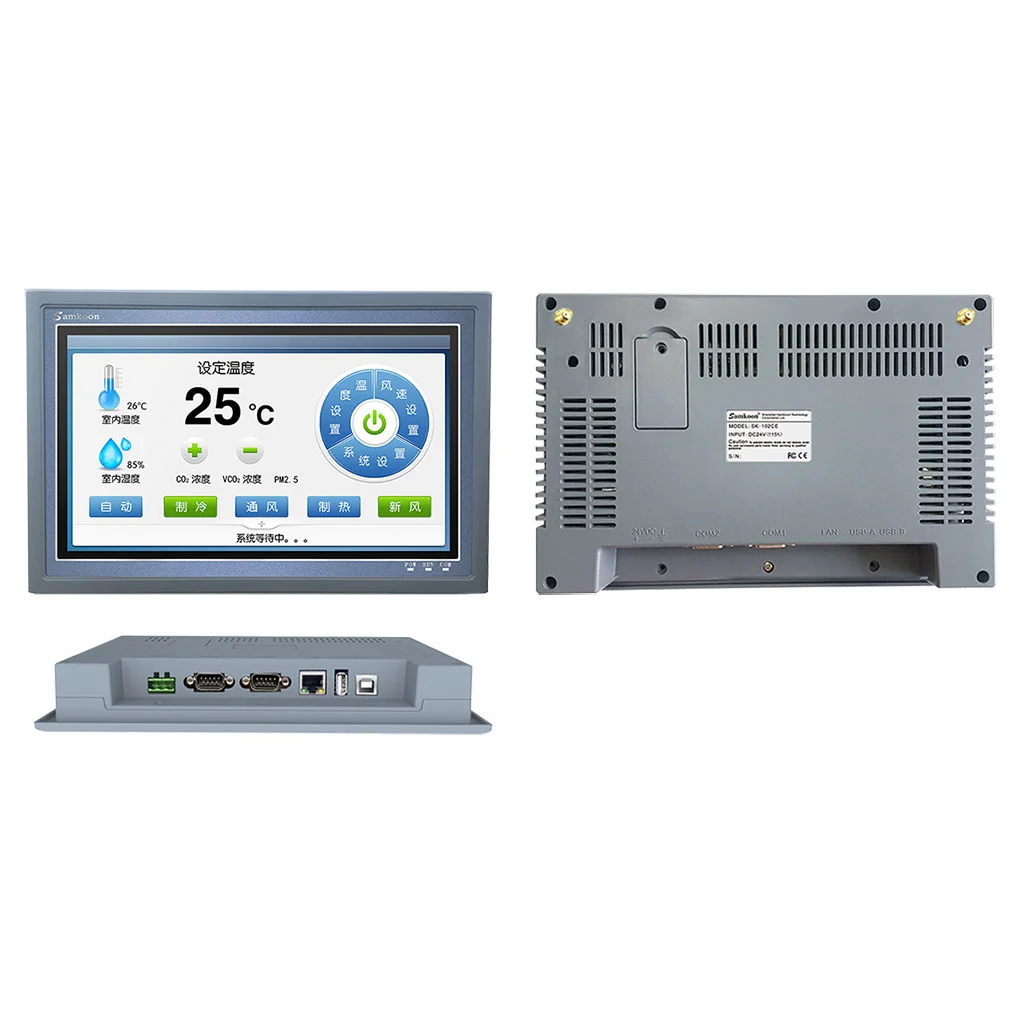
10.2-inch 1024×600 machine-HMI candidate in the Ethernet and dual-serial class.
Open technical page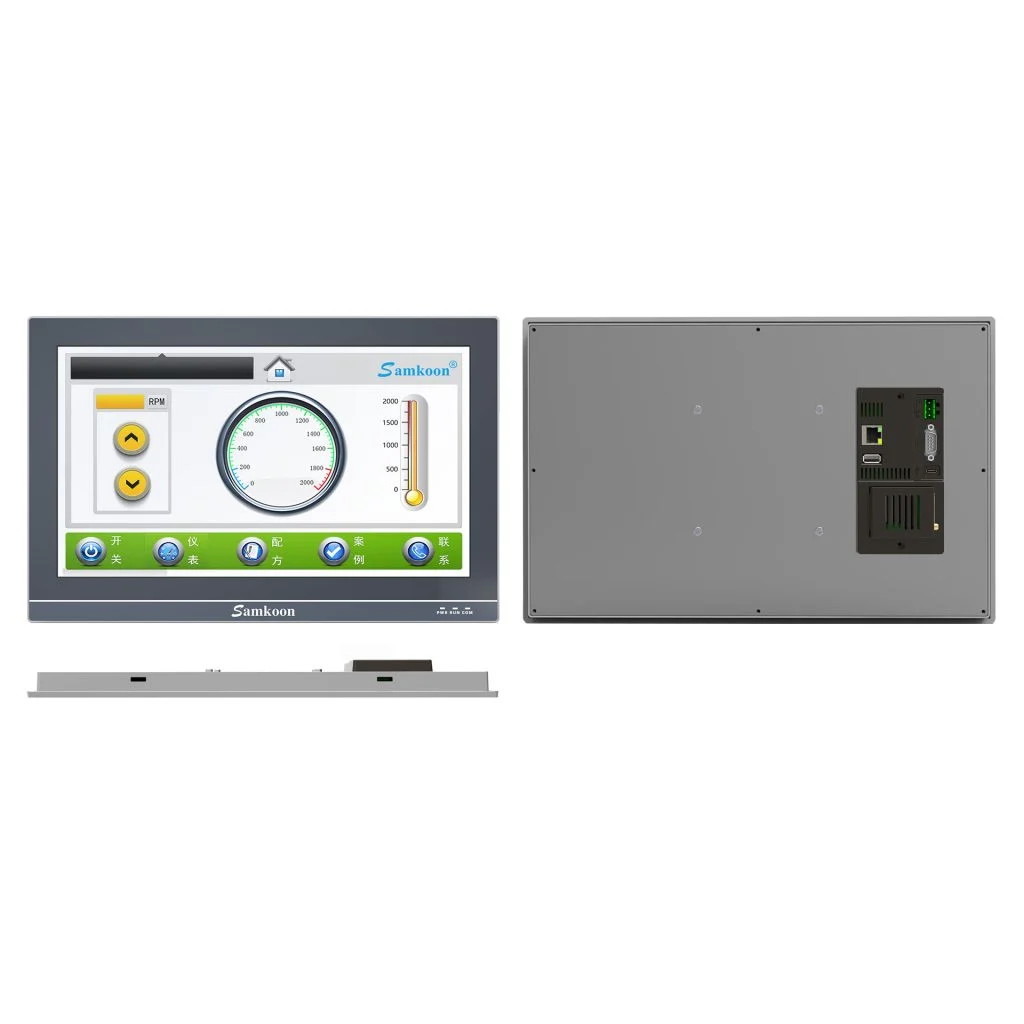
Candidate for local-HMI projects requiring a 15.6-inch Full HD display, Ethernet and a wide process view.
Open technical pageThe table explains product architectures; it is not an exact order-code selection.
| Validation area | Weintek cMT X Standard | Samkoon / ProControl candidate |
|---|---|---|
| Display and processing class | The cMT X Standard family uses different display sizes and multicore platforms for advanced visualisation/connectivity tasks; exact hardware depends on the model. | SK-070MS V3, SK-102CS and SK-156QS-G are local-HMI candidates across the 7–15.6-inch range; processor, memory and resolution are verified from the exact model page. |
| Network separation and ports | cMT X models vary across single/dual Ethernet, serial, CAN, USB and SD options; dual networks can separate machine and upper-level networks. | Ethernet and serial ports on Samkoon candidates are taken from the exact model. A single-Ethernet panel is not automatically a candidate where two physical networks must be separated. |
| OPC UA, MQTT and data layer | Weintek positions the cMT X family with OPC UA, MQTT and data-integration functions; support and licensing depend on the exact model/software. | These protocols are credited to Samkoon only after verification in the model document, SKTOOL version and a working PoC. A separate edge-gateway architecture is designed if required. |
| Remote client and maintenance | cMT Viewer, VNC and remote-maintenance capabilities are assessed with the selected cMT model's firmware and security settings. | The same experience is not assumed for Samkoon; remote-access method, user authentication, encryption, session logging and network boundary are tested separately. |
| Project environment | cMT X screens are developed with EasyBuilder Pro objects, drivers, macros and data models. | The SKTOOL project is built from scratch; addressing, scripts, alarms, recipes and logging behaviour are not assumed to transfer one-to-one. |
| Cybersecurity and acceptance | cMT X network services fall within a security scope covering users, certificates, ports and firmware policies. | In the new architecture, unused services are disabled; VLAN/firewall, user roles, backup, connection loss and data integrity enter acceptance testing. |
No. It is not a direct substitute until exact model, electrical, protocol-role, mechanical, software and certification checks pass.
The exact existing code, diagram or I/O list, PLC/network data, supply, environment and special functions in use.
No. These functions are not treated as covered unless officially documented and proven by a PoC on the exact model and software; a separate gateway is used when necessary.
Official manufacturer sources: Weintek cMT X Standard official family · Weintek cMT X official brochure · Samkoon HMI official family · Samkoon SK-070MS V3 official page · Samkoon SK-102CS official page · Samkoon SK-156QS-G official page
This content compares manufacturer-published data under the same project requirement; it does not guarantee direct substitution or project compatibility. ProControl engineering must validate exact model, revision, protocol, electrical, safety and environmental conditions.
Share the exact existing code, I/O list, network and environment so we can identify the right solution without assumptions.